Legacy-Newborn Sync System
Depending on the size of the data to be migrated to the new system, our initial estimation was about 7 days time for the migration. This was not feasible.
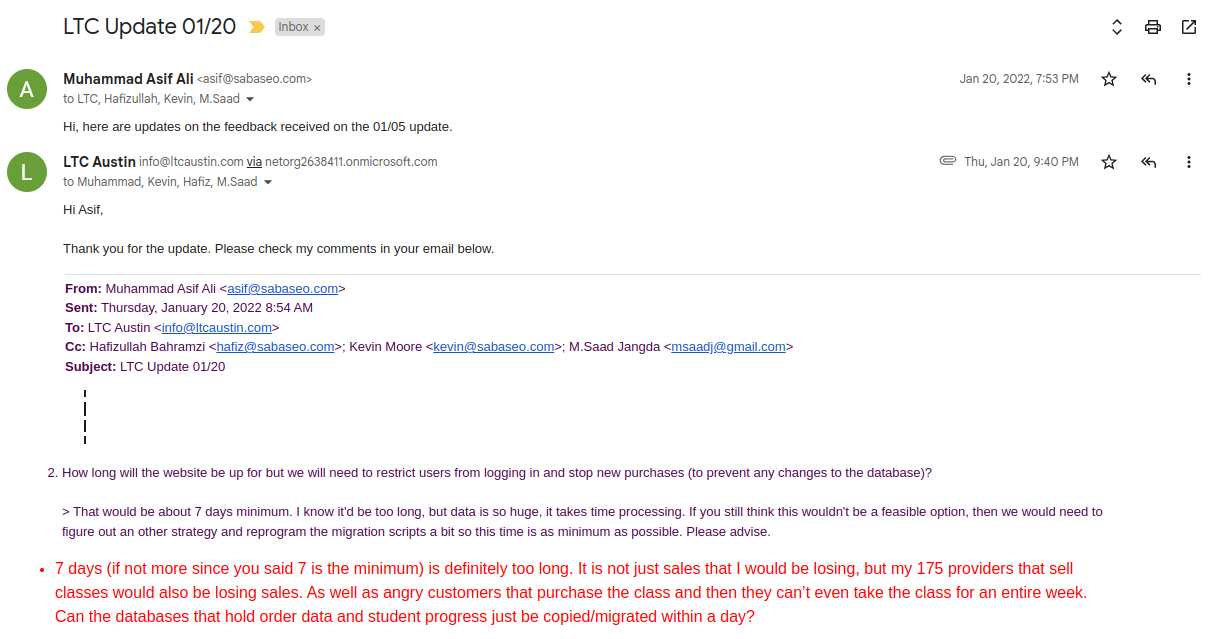
The only solution was a Synchronization system that would pull all the data from the legacy system to the new system. After the complete pull, the system would then keep all of the data in sync as well with the legacy system. The following entities of the legacy system were programmed to be pulled and synced.
- Providers
- Providers' Users
- Students
- Courses
- Students' course progress
- Products
- Orders
- Coupon Codes
- Purchase/Registration Codes
- DL/ID Informations
- User Credentials
- Store Locations (for Prof. Demo. page)
Apart from the sync script, there are several operations that might be needed to be performed after syncing data, so we programmed scripts and interfaces for these actions as well.
- User roles and capabilities patch ups
- Activate providers
- Manually assign wandering products to respective synced providers.
- Manually assign parent products to imported products (for correct commission calculations as per the new system)
- Manually assign exported store locations with corresponding Providers in the new system, as well as their opt-in settings.
- Manually assign redirect URLs so the providers' old store URLs redirect to their new URLs after going live.
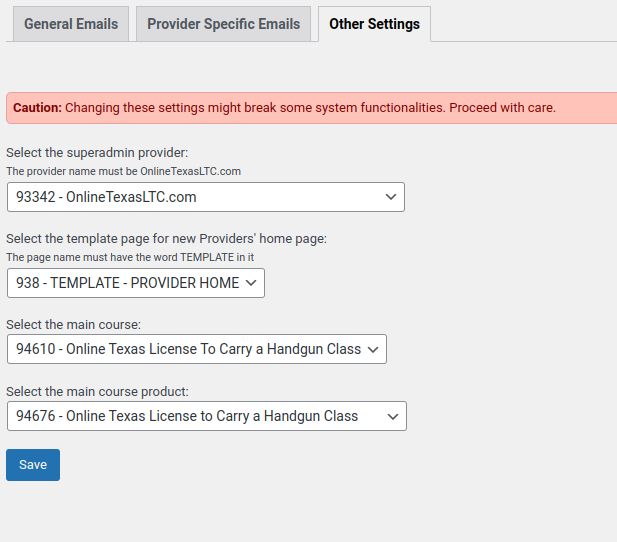
- Setting up the following in LTC Settings.